

Introduction: The Rise of AI-Powered Design and Development
AI design tools for developers are reshaping how digital products move from concept to production. What once required separate design and engineering sprints can now occur in a single AI-assisted workflow, where wireframes, UI components, and working code are generated side by side.
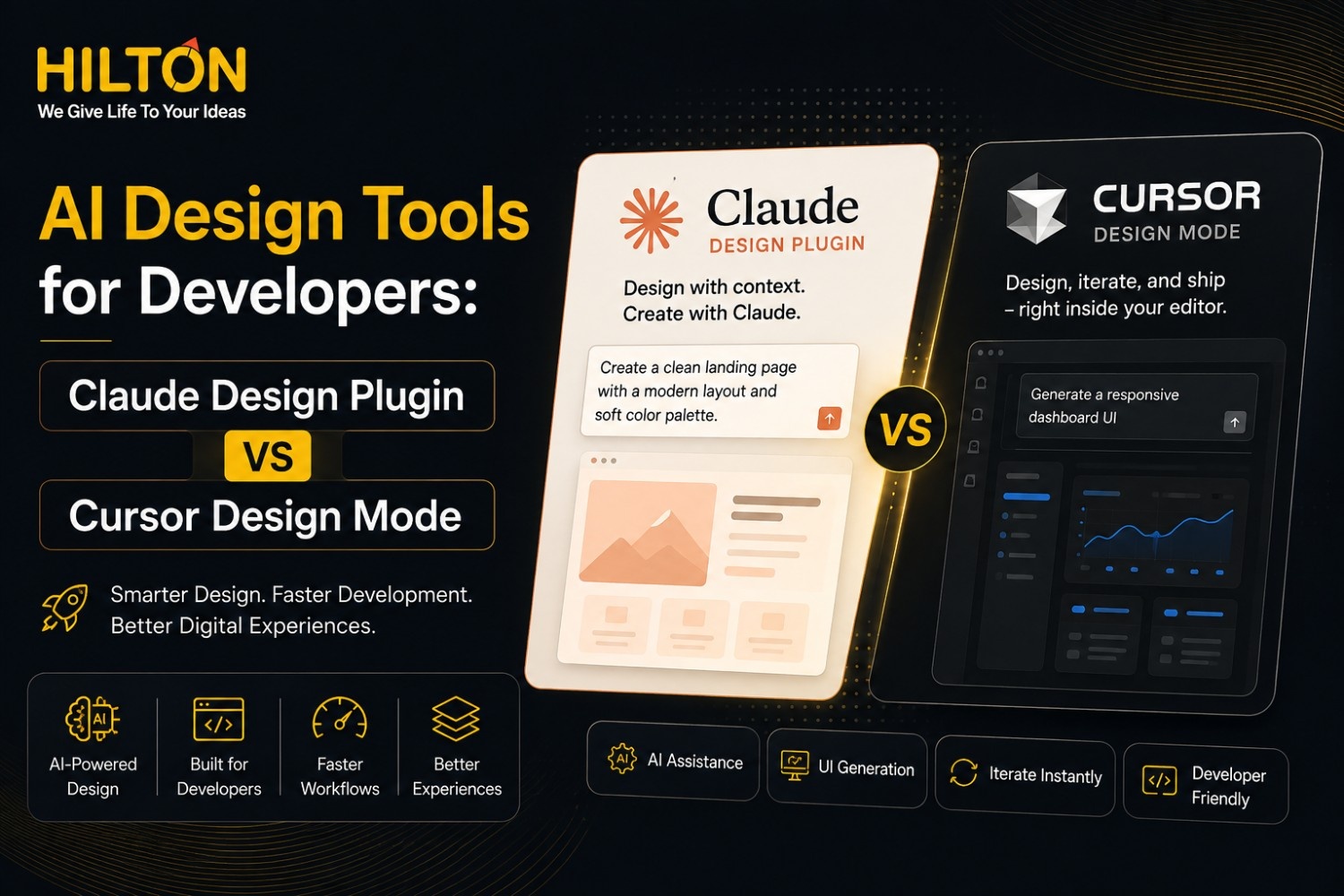
Two tools leading this shift are the Claude Design Plugin and Cursor Design Mode, each built for a different stage of the product lifecycle. Claude Design Plugin focuses on visual ideation and interface generation, while Cursor Design Mode specializes in AI-assisted coding and live implementation inside a real codebase.
For businesses looking for
UI UX Design and Development Services,
understanding where these two AI platforms differ—and where they complement each other—is essential for building better digital products faster without compromising quality.
What Is Claude Design Plugin?
Claude Design Plugin is an AI-powered visual design tool that transforms natural language prompts into interface concepts. It sits at the beginning of the product lifecycle, helping designers and product teams validate ideas before development begins.
Overview of Claude Design
Claude Design Plugin uses conversational AI to interpret product requirements and generate visual layouts. Rather than starting from a blank canvas, users simply describe what they need—such as dashboards, landing pages, or checkout flows—and receive multiple interface concepts within seconds.
Visual Interface Generation
The platform rapidly creates multiple UI variations, enabling teams to compare layouts, color palettes, and component structures before selecting the strongest design direction.
Design-to-Code Workflow
Once a design is approved, Claude Design Plugin exports structured layouts that developers can reference during implementation, significantly improving collaboration between designers and engineers.
Best Use Cases
- Early-stage product ideation
- Rapid wireframing for client presentations
- Exploring multiple UI concepts for A/B testing
- Creating high-quality mockups for stakeholder approval
Key Features
- Prompt-based AI design generation
- Rapid iteration across multiple interface concepts
- Support for design systems and consistent UI components
- Seamless integration with Claude AI conversations for refining product requirements
Benefits for UI/UX Teams
For UI/UX teams, the biggest advantage is the ability to explore ideas rapidly. Instead of spending hours creating multiple mockups, designers can generate several interface concepts within minutes and focus their efforts on refining the strongest design rather than building every option manually.
What Is Cursor Design Mode?
Cursor Design Mode is an AI-assisted frontend development environment built directly into the Cursor code editor. Rather than starting from a visual concept, it works inside your existing codebase, allowing developers to generate, edit, and refine production-ready interfaces with AI assistance.
Overview of Cursor Design Mode
Cursor Design Mode extends Cursor’s AI coding assistant with a live visual layer for frontend development. Developers simply describe UI changes in natural language and see those updates reflected instantly within the running application.
AI-Assisted Frontend Development
Unlike design mockups, Cursor generates real, functional code that can be tested immediately inside your project, making implementation significantly faster.
Live Editing Experience
Developers can modify layouts, components, and styling while watching the interface update in real time, reducing the gap between design intent and production-ready software.
Component Generation
The platform creates reusable components that follow existing coding standards and project architecture, helping teams maintain consistency throughout the application.
Collaboration with Existing Codebases
Unlike isolated prototyping tools, Cursor Design Mode works directly inside production repositories while respecting folder structures, naming conventions, and component libraries.
Recent Design Mode Improvements
- Improved multi-file editing capabilities
- Better AI understanding of large codebases
- Smoother AI-to-developer review workflow
- Faster production-ready code generation
Claude Design Plugin vs Cursor Design Mode: Feature Comparison
| Feature | Claude Design Plugin | Cursor Design Mode |
|---|---|---|
| Primary Focus | Visual design & UI generation | AI-assisted coding & implementation |
| Best For | Designers & Product Teams | Frontend Developers |
| Interface Creation | ⭐⭐⭐⭐⭐ | ⭐⭐⭐⭐ |
| Code Editing | Limited | Excellent |
| Component Generation | ✔ Yes | ✔ Yes |
| Existing Project Support | Moderate | Excellent |
| AI Conversations | Excellent | Excellent |
| Design-to-Code Workflow | Excellent | Very Good |
| Multi-file Editing | Limited | Excellent |
| Best Use Case | New UI concepts | Production development |
Key Differences Between Claude Design and Cursor
Design-First vs Code-First Approach
Claude Design Plugin focuses on transforming ideas into visual concepts, making it ideal for early-stage design exploration. Cursor Design Mode starts inside a real project and edits production code directly, making it the better choice for implementation.
User Experience
Claude offers a creative brainstorming experience for designers and product teams, while Cursor feels like pair programming with an AI assistant that understands your application’s architecture.
Development Workflow
Claude fits naturally into concept validation and stakeholder presentations. Cursor excels during active development, testing, and deployment.
Team Collaboration
Claude strengthens collaboration between designers and product managers before coding begins, while Cursor improves collaboration among developers working in shared production repositories.
Speed of Implementation
Cursor moves from idea to deployable code much faster because it generates functional components inside the existing project. Claude excels at quickly producing multiple visual concepts before development starts.
Learning Curve
Claude Design Plugin is accessible for designers, product managers, and non-technical stakeholders. Cursor Design Mode is better suited for developers who are already comfortable working within production codebases and frontend development workflows.
Which AI Design Tool Should Developers Choose?
Choose Claude Design Plugin If…
- You start with ideas instead of an existing codebase.
- You need wireframes or early-stage UI concepts.
- You collaborate closely with designers and product teams.
- Rapid design exploration matters more than immediate production code.
Choose Cursor Design Mode If…
- You’re working inside an existing application or codebase.
- You’re building production-ready software.
- You need AI-assisted coding rather than only visual mockups.
- You want efficient multi-file code generation and editing.
Can Claude and Cursor Be Used Together?
Absolutely. For many development teams, combining both platforms creates the fastest path from concept to deployment. Claude accelerates design exploration, while Cursor transforms approved concepts into production-ready code.
Recommended AI Design Workflow
- Create interface ideas in Claude – Explore multiple visual concepts within minutes.
- Refine layouts and interactions – Improve designs using stakeholder and user feedback.
- Move approved concepts into Cursor – Use the final design as a development reference.
- Generate production-ready code – Build reusable components using Cursor Design Mode.
- Test, optimize, and deploy – Validate functionality before shipping the feature.
Rather than competing with one another, Claude Design Plugin and Cursor Design Mode complement each other by covering different stages of AI-powered UI design and design-to-code development.
Benefits of AI Design Tools for Modern Development Teams
- Faster UI Development – Move from concept to interface significantly faster.
- Better Collaboration – Designers and developers work from a shared visual and technical reference.
- Reduced Development Costs – Minimize manual redesign and implementation effort.
- Consistent Design Systems – Generate reusable components that follow established UI standards.
- Improved Developer Productivity – Automate repetitive frontend tasks and scaffolding.
- Accelerated Project Delivery – Reduce time between concept approval and product launch.
How Hilton Software Technologies Uses AI-Driven Development Workflows
At Hilton Software Technologies, AI-powered design and development workflows are integrated into every stage of digital product delivery. From Custom Web Development and Full Stack Development to UI/UX Design, AI & ML Solutions, Enterprise Software Development, and Digital Product Engineering, AI enables teams to deliver faster without compromising quality.
By combining AI-powered visual design tools with intelligent coding assistants, projects move from concept to deployment with fewer handoff delays, improved collaboration, and more consistent user experiences. Rather than replacing developers or designers, AI helps both teams work more efficiently together.
Conclusion: The Future of AI Design and Development
Claude Design Plugin and Cursor Design Mode solve different challenges within the software development lifecycle. Claude excels at transforming ideas into polished interface concepts, while Cursor focuses on implementing, refining, and maintaining production-ready applications.
Instead of choosing one platform over the other, modern development teams gain the greatest value by combining both. This integrated workflow shortens development cycles, strengthens collaboration between designers and developers, and enables businesses to deliver high-quality digital products more efficiently. As AI continues to evolve, using complementary design and coding tools will become a standard practice for successful UI/UX design and software development teams.